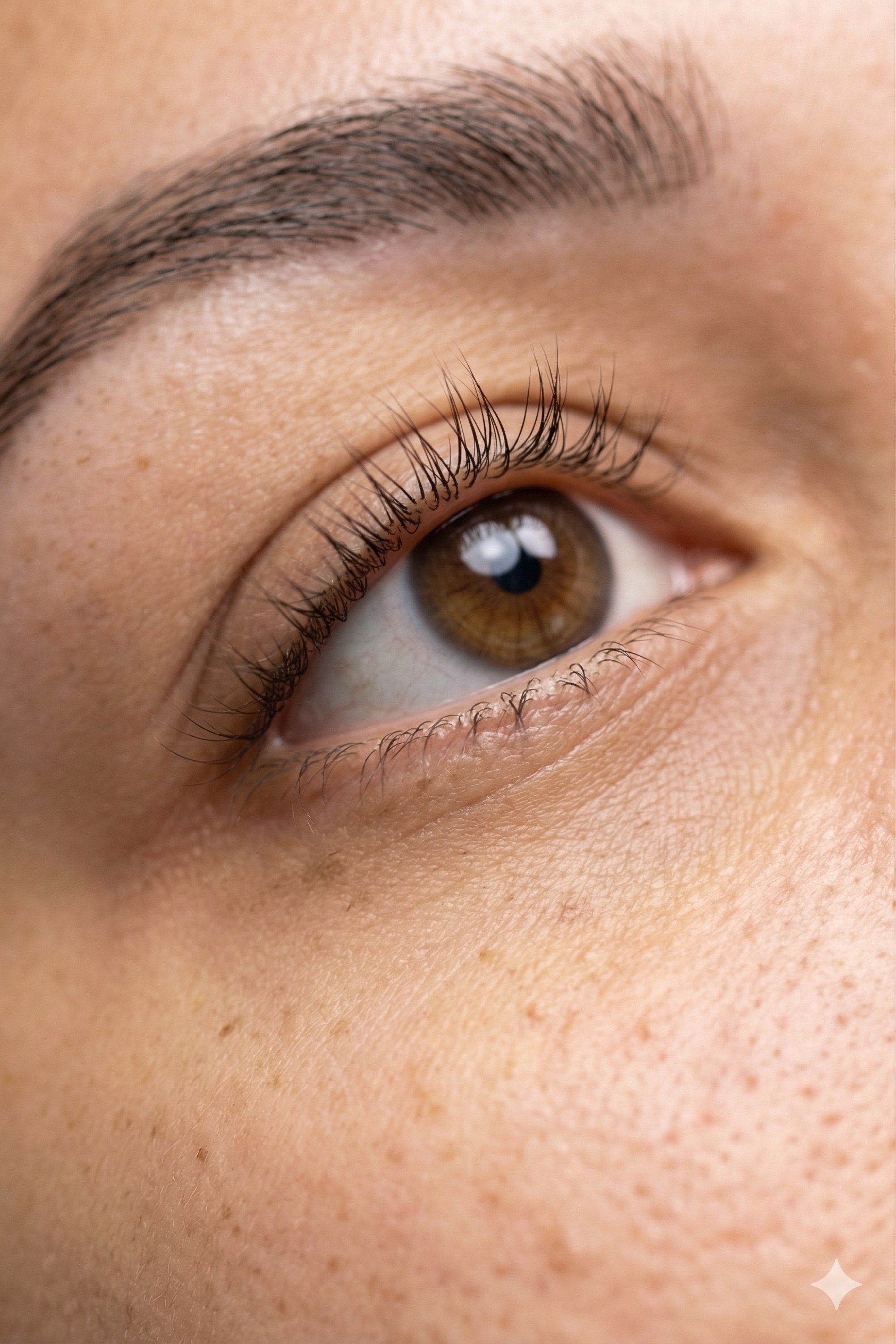
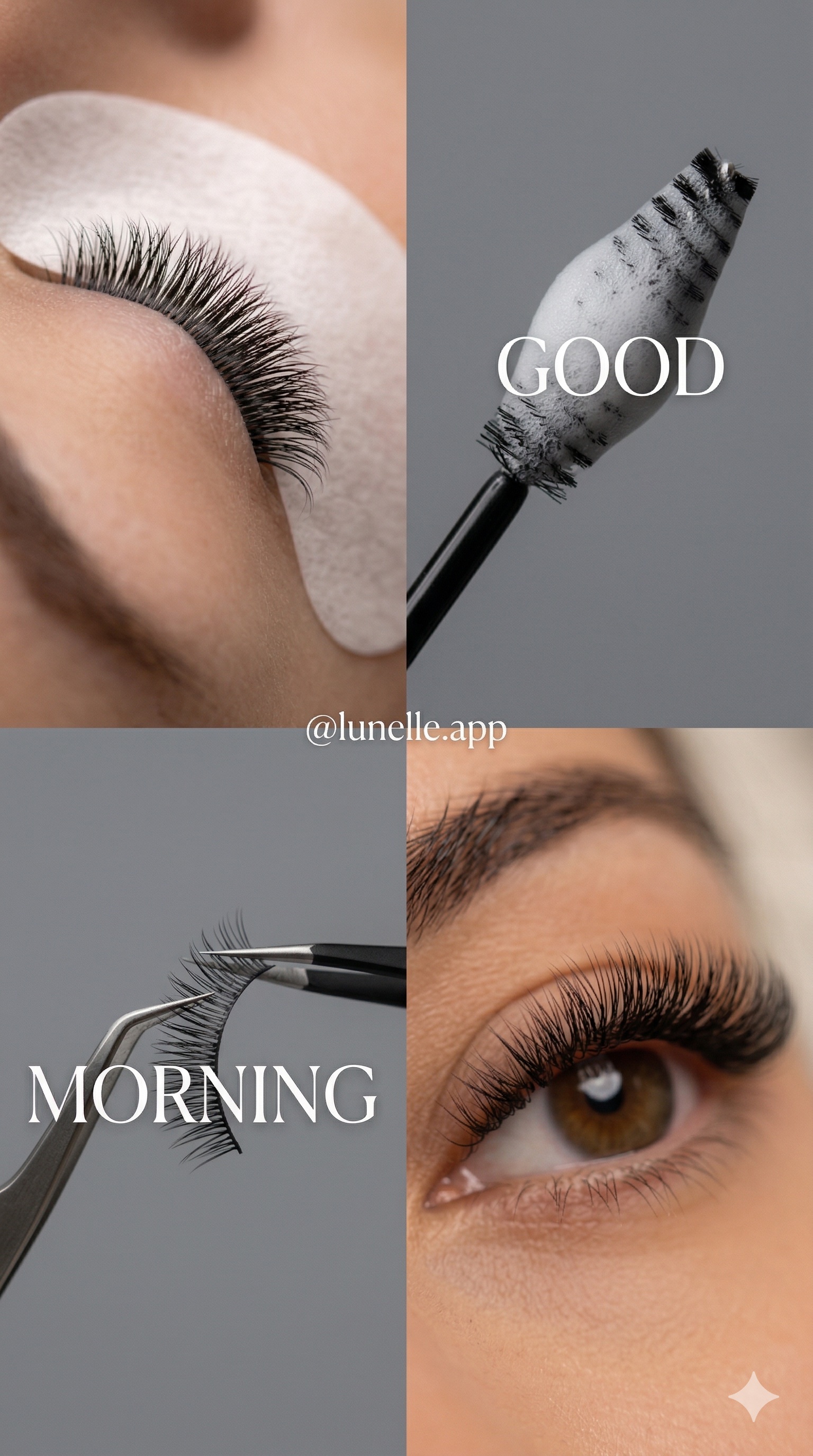
Output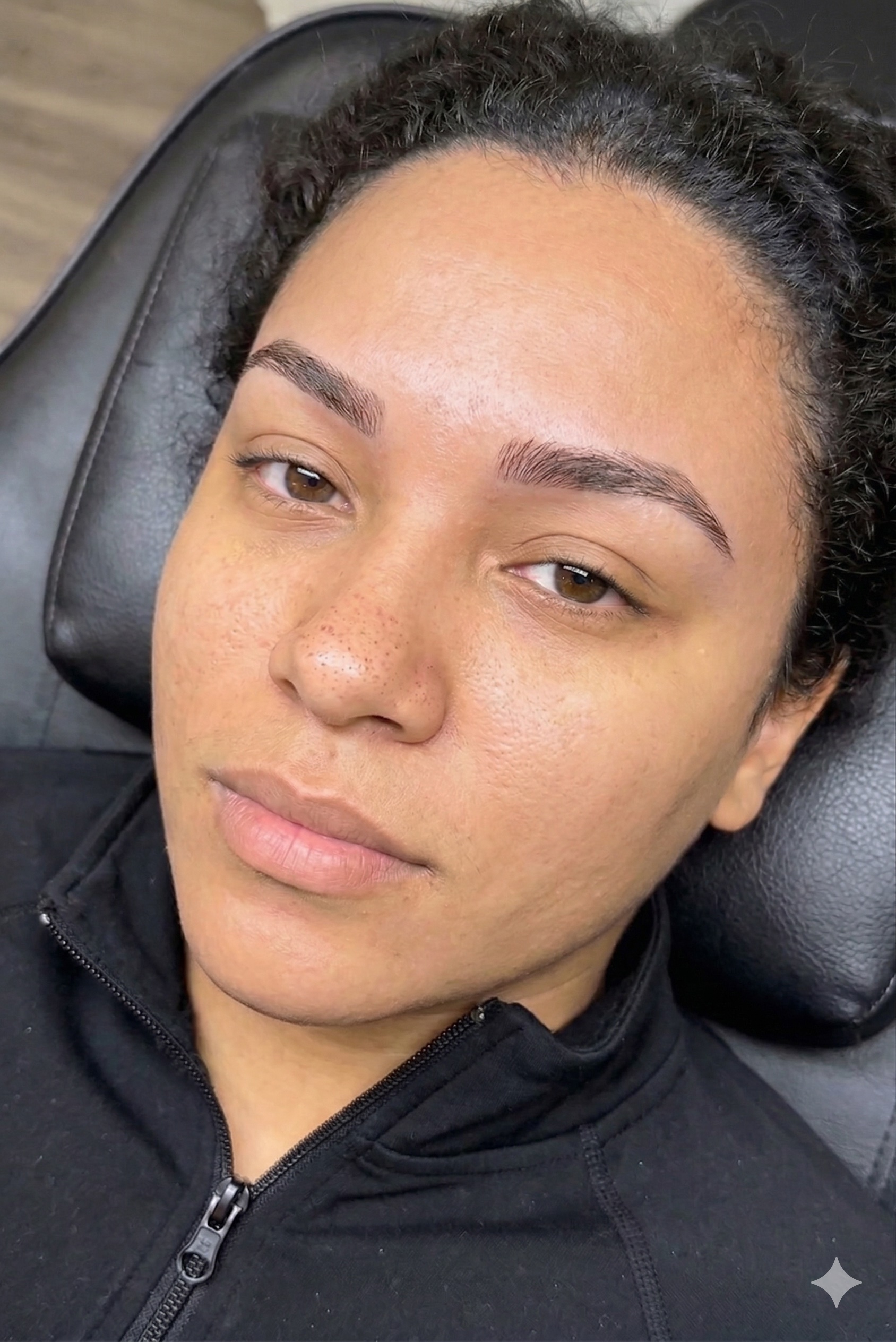
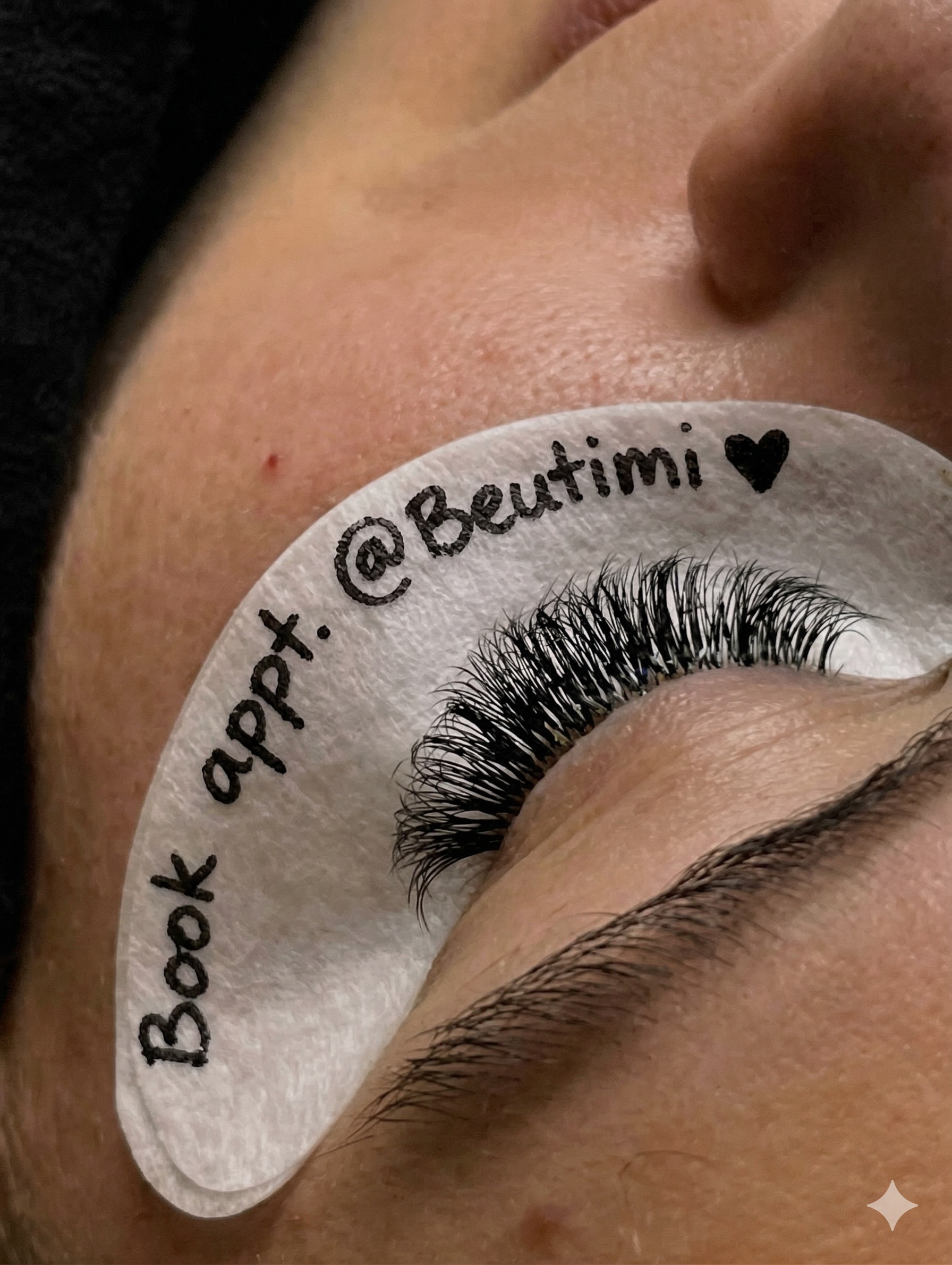
Input images used
Retouch Before
Prompt 01
Image Retouch
    Retouch this portrait photo with a natural, realistic finish. Smooth and clean the skin by removing any temporary blemishes, spots, or uneven texture while preserving natural skin pores and tone. Neutralize and correct any redness, irritation, or blotchiness in the skin, blending it naturally to match the subject's true, even skin tone — without making the skin look flat or over-processed. Cover and blend any grey or white hairs to match the subject's natural hair color seamlessly. Apply a subtle background and peripheral blur (bokeh effect) to draw focus to the subject's face, keeping the face and eyes tack sharp.
    Do not alter the eyelashes in any way. Leave them exactly as they appear in the original photo.
Preserve and maintain the full vibrancy, saturation, and brightness of all original colors — do not mute, desaturate, or flatten any colors in the image. Do not alter the subject's eye color, hair color, skin tone, facial structure, age appearance, or any defining features. Maintain a true-to-life, editorial-quality result that looks like professional studio retouching — not AI-generated or over-processed.Attach a clear photo of the client.